
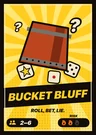



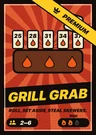
Play together
One table, every phone
One screen shows the table for everyone. Each player holds their own secrets on their phone. Here is how a game night with Tovo Party works.
Any screen is the table
Open Tovo Party on the device that everyone can see. It becomes the table and stays the table until you close it.
Apple TV
The big screen in the living room. Flip through the games with the remote.
iPad
Put it in the middle of the table, or connect it to a TV.
iPhone on the TV
Send the table to the TV with AirPlay or a cable. The iPhone stays your controller.
iPhone as table
No TV? Any iPhone can be the table: tap “Use this phone as the table” and turn it sideways. The others play on their phones as usual.
Sit down in seconds
The table shows a QR code and its name. Whoever sits down first gets the crown and starts the game.
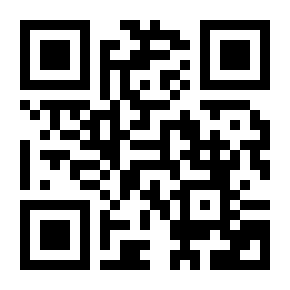
Scan the code
The code is an app link. With the app, the phone camera opens Tovo Party and you sit down at once. Without it, an iPhone offers the App Store or the browser game; other phones go straight to the browser game.
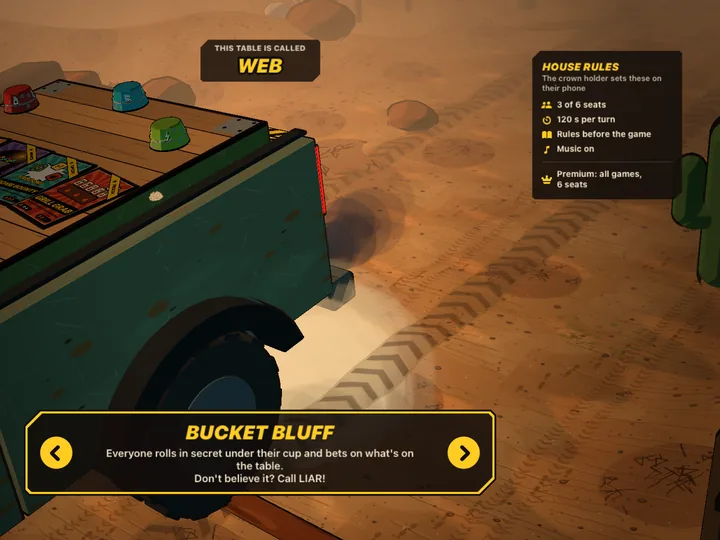
Pick the table
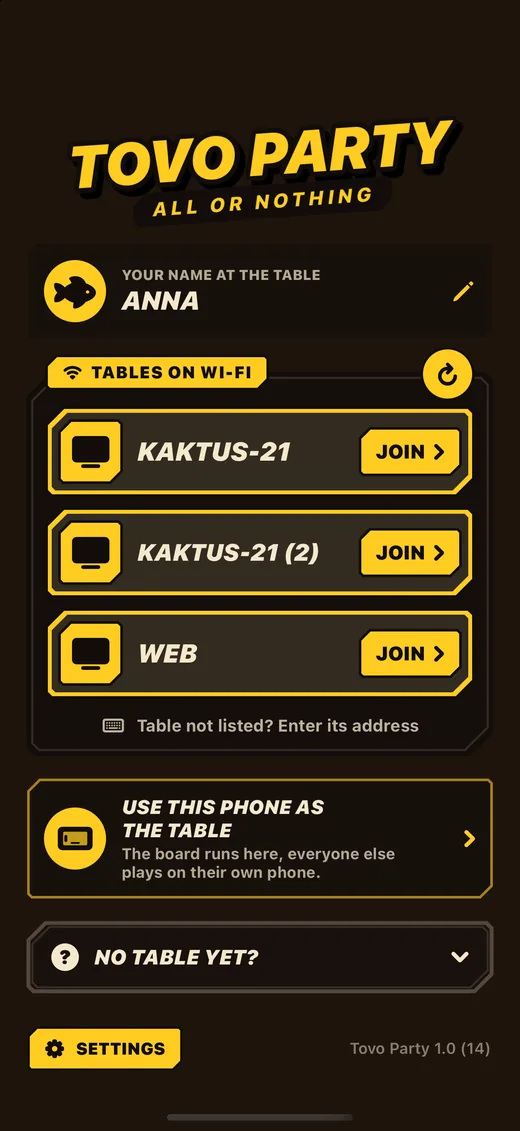
In the app, every table in your Wi-Fi shows up in a list. Tap it to sit down. If the network hides it, enter the address the table shows.
No app? Play in the browser
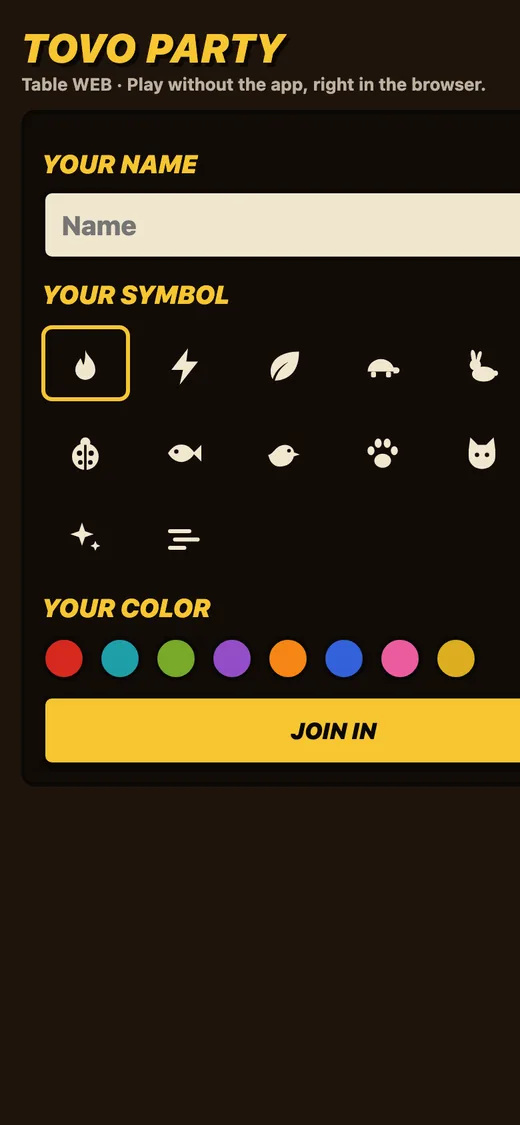
Guests with any phone, Android included, scan the code and play in the browser. The table serves the page itself in your network: same game, same rules, same dice pictures.
Short of players or phones?
Bots
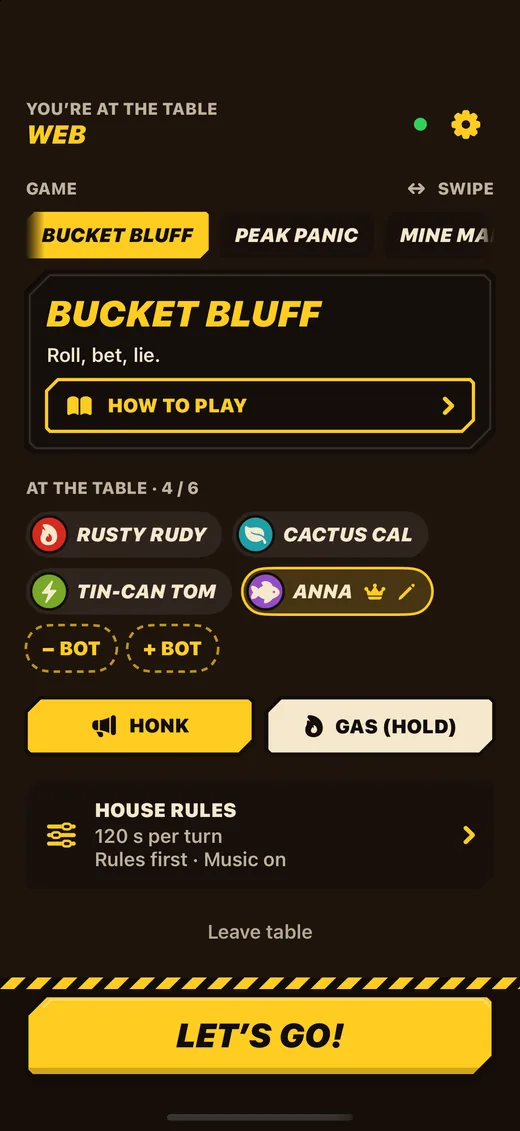
Whoever has the crown adds bots in the lobby. They fill empty seats and take over if someone’s phone drops out.
Pass the phone
Players without a phone share one. Turn on pass the phone in the settings and add players with “+ No phone”; the phone shows whose turn it is before handing over.
Your turn, your buzz
Nobody has to shout. When it’s your turn, your phone buzzes, in the app and in the browser. If the house rules set thinking time, a fuse burns down with sparks and smoke.
Someone wanders off?
If a player closes the app or locks the phone, the TV marks them AWAY with a countdown. During a game a bot plays on for them right away. In the lobby their seat frees up after 60 seconds, and the crown moves on after 15. Open the app again and you sit back down at your table.
House rules from the crown
The player with the crown sets up the table: game, bots and house rules. Everyone else just plays.
- Thinking time per turn: off, 60, 120 or 180 seconds
- Rules on every phone before the first round, or straight in
- Music on the table on or off
- Pass the crown to someone else at any time
Stays in your Wi-Fi
AppBrowserBOTBotShared phoneThe table runs on your own device and the phones talk to it directly. No account, no game server, no ads. If phones can’t find the table, check that they are in the same Wi-Fi as the screen.
Questions
Do all players need the app?
No. Only the screen needs the app. Players can use the app or any phone browser.
Does it work with Android phones?
Yes, in the browser. Scan the table’s QR code with the camera.
How many can play?
2 to 6 seats, bots included. Free tables have 4 seats; with Premium at the table up to 6.
Can I play alone?
You need at least two seats. Fill the others with bots.
Does it need the internet?
No. Everything runs in your Wi-Fi. With internet, the QR code can also open the app directly.