





Support
Help
Most problems come from the network. Here is what helps, and how to reach us.
Join in
Seated at the table
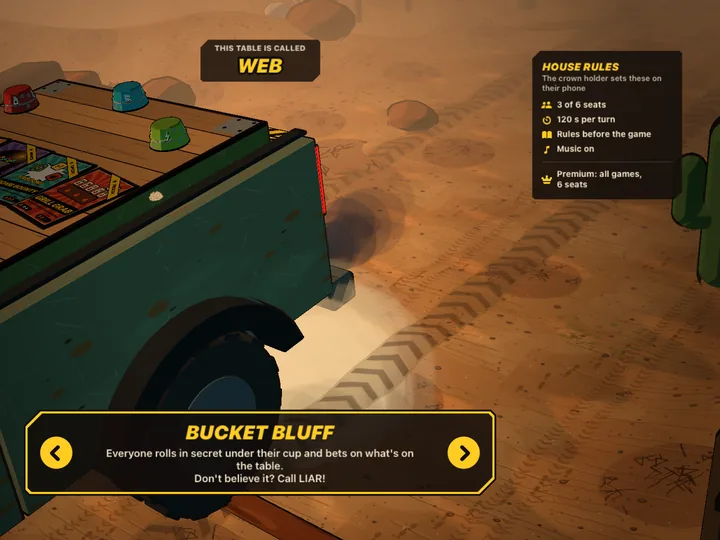
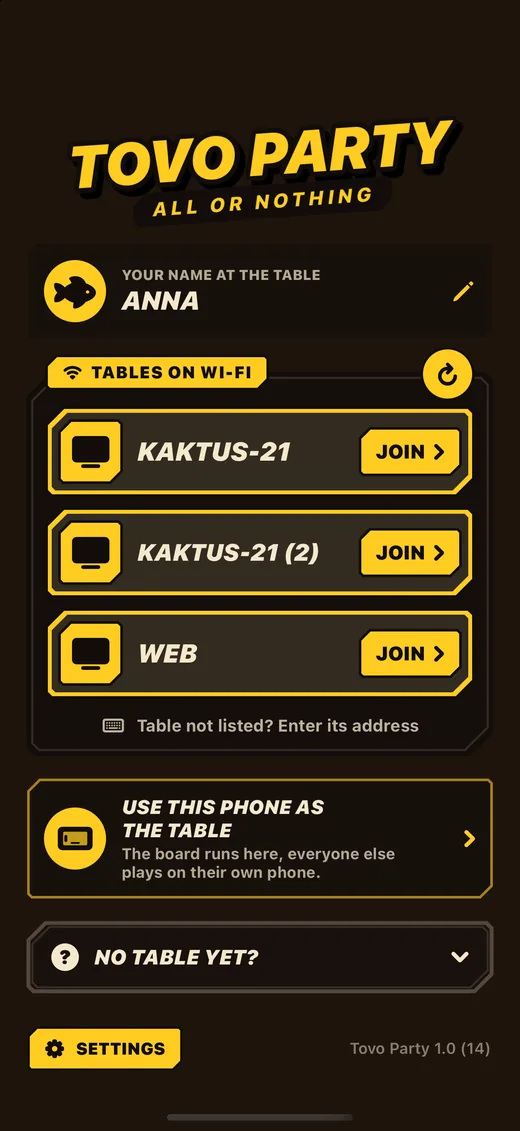
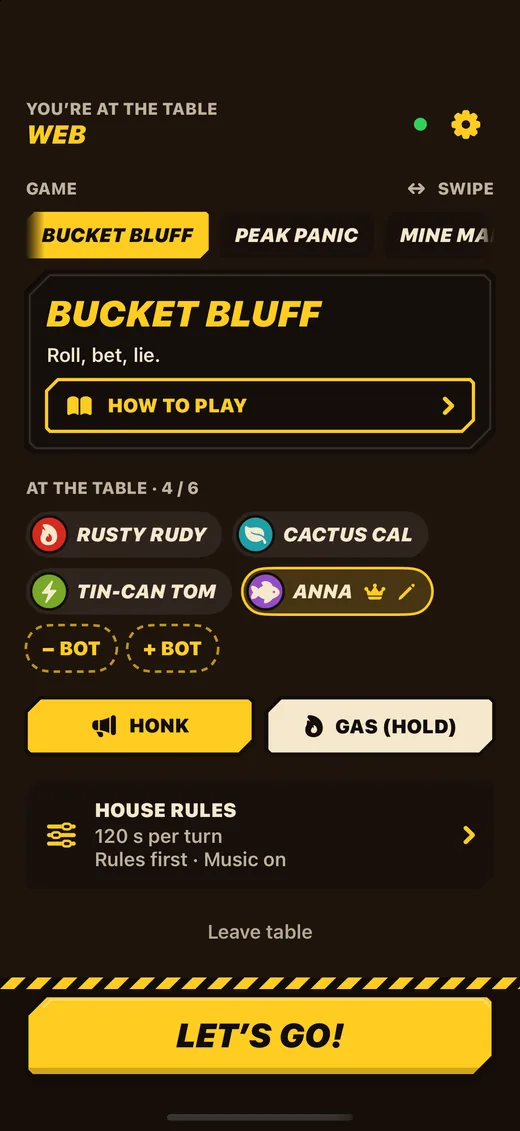
Phones can’t find the table
- Put the phones in the same Wi-Fi as the screen (not a guest network, not mobile data).
- Allow Tovo Party to use the local network: Settings → Privacy & Security → Local Network.
- Keep the table open on the screen while people join.
- Tap “Table not listed? Enter its address” in the app and type the address the table shows.
- Some routers keep devices apart (client isolation). Then use another Wi-Fi or a phone hotspot.

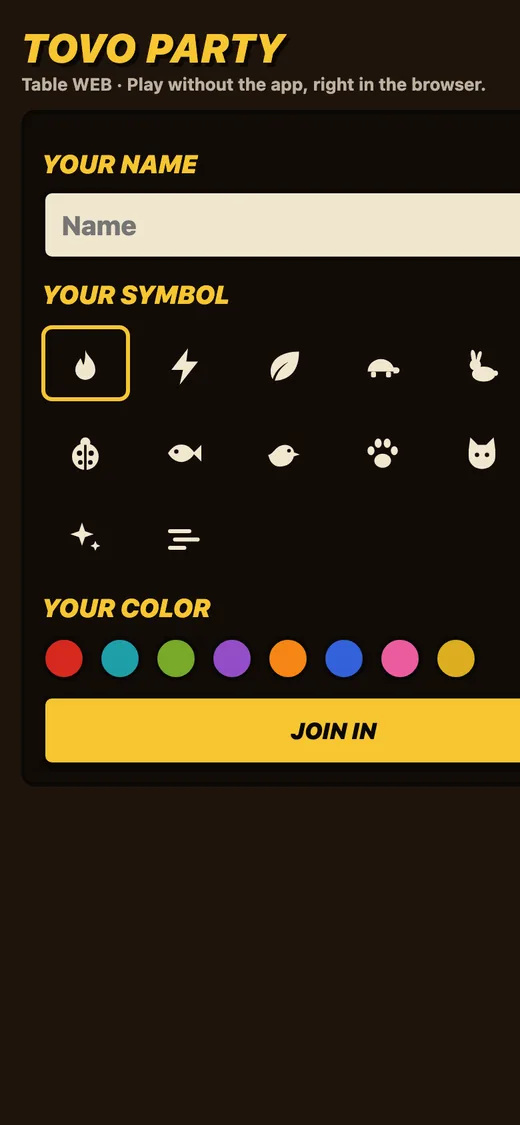
The browser won’t connect
- Scan the code again; the browser has to be in the same Wi-Fi as the screen.
- If the page says the table can’t be reached, check the Wi-Fi and wait a moment, it keeps trying.
- Open the page in the phone’s main browser, not inside another app.
Premium and purchases
On a new device, open the settings and tap restore purchases. Purchases and refunds are handled by Apple in the App Store.








Premium
Write to us
Found a bug or have an idea? Use “Report a bug” in the app’s settings or write to [email protected].
LIAR!BEN DOUBTS IT






Counted: 5